
Features / Scheduling
The week, and who is in it
Shifts, leave and absences in one grid, per site. Everyone sees their next shift on their phone.
console.arils.tn
Week 20Lac 2La MarsaEnnasr Shift Leave Sick
TeamMon 11Tue 12Wed 13Thu 14Fri 15Sat 16Sun 17 Sirine M.Checkout
 Rania K.Supervisor
 Karim H.Bakery
 Hela M.Shelves
 Sami T.Receiving
 Leila Z.CheckoutCover92787188648358
Sirine M.Checkout08:00 15:00Checkout
08:00 15:00Checkout
13:00 21:00Checkout
13:00 21:00Checkout
08:00 15:00Checkout
Rania K.Supervisor07:00 15:00Floor
07:00 15:00Floor
07:00 15:00Floor
07:00 15:00Floor
07:00 15:00Floor
09:00 14:00Floor
Karim H.Bakery05:00 13:00Bakery
Sick
Sick
05:00 13:00Bakery
05:00 13:00Bakery
05:00 13:00Bakery
Hela M.Shelves06:00 14:00Shelves
06:00 14:00Shelves
06:00 14:00Shelves
Leave
Leave
Leave
Sami T.Receiving06:00 12:00Receiving
06:00 12:00Receiving
06:00 12:00Receiving
06:00 12:00Receiving
08:00 12:00Receiving
Leila Z.Checkout14:00 21:00Checkout
14:00 21:00Checkout
14:00 21:00Checkout
14:00 21:00Checkout
Leave
Leave
On duty now
14
Absent
3
Tasks done
92 %
Overdue
3
Open requests
4
Training due
11
How it works
Next shift first
At the top of the screen, before anything else.
Leave in the same grid
Nobody plans around someone who is not there.
Cover you can see
Under 70%, the day turns red before it goes wrong.
One app, three views
For employees
Their next shift at the top of the screen, leave in the same place.
For managers
One grid per site, absences in the same view, coverage in colour.
For head office
Who runs each site this week, and where people are missing.
In every sector
Every feature works in every trade. Here is what it looks like in yours.
 HospitalityHousekeeping and restaurant rotations in high season.
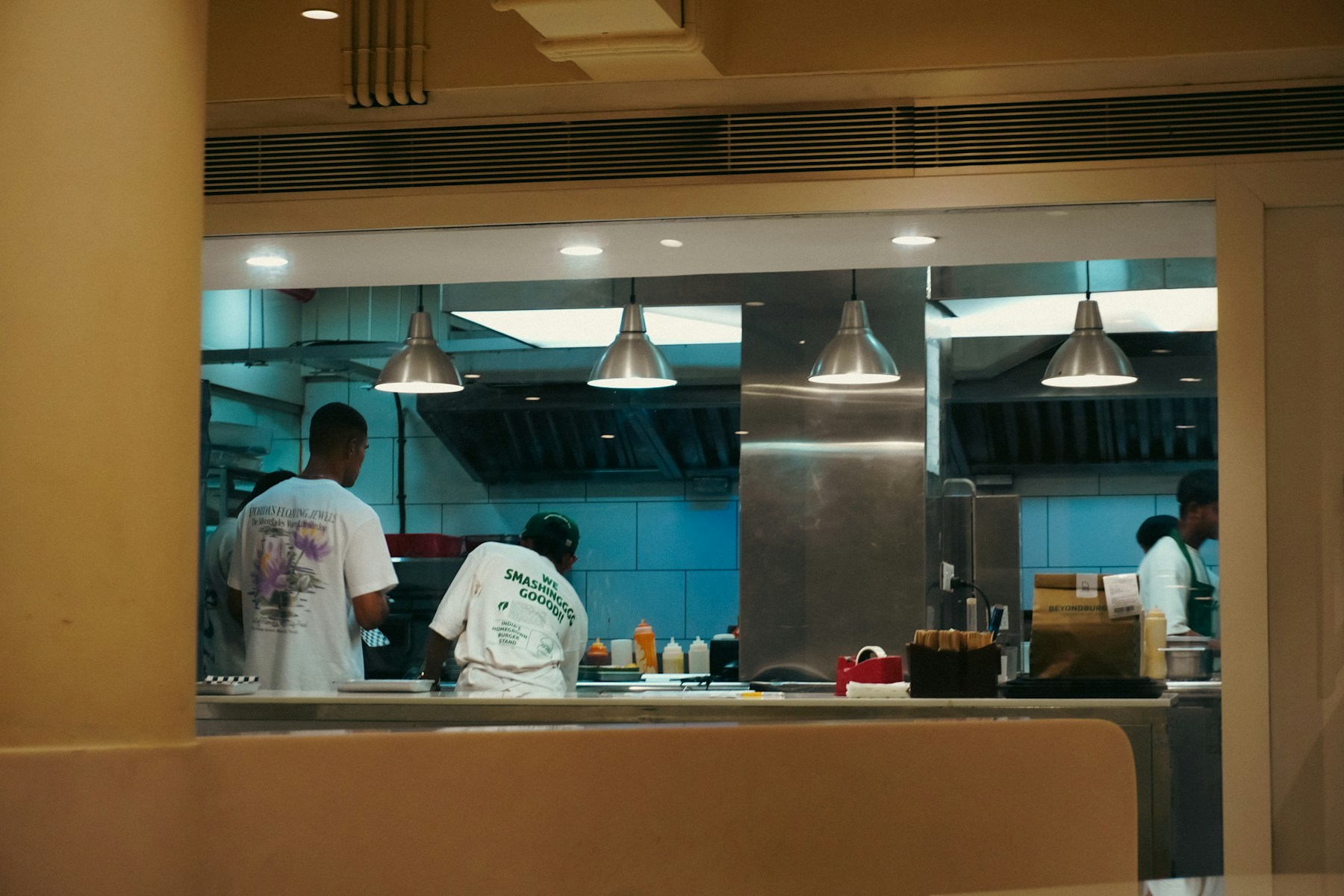 RestaurantsLunch and dinner shifts, weekend extras.
 Fast foodWho holds the till and the kitchen during the rush.
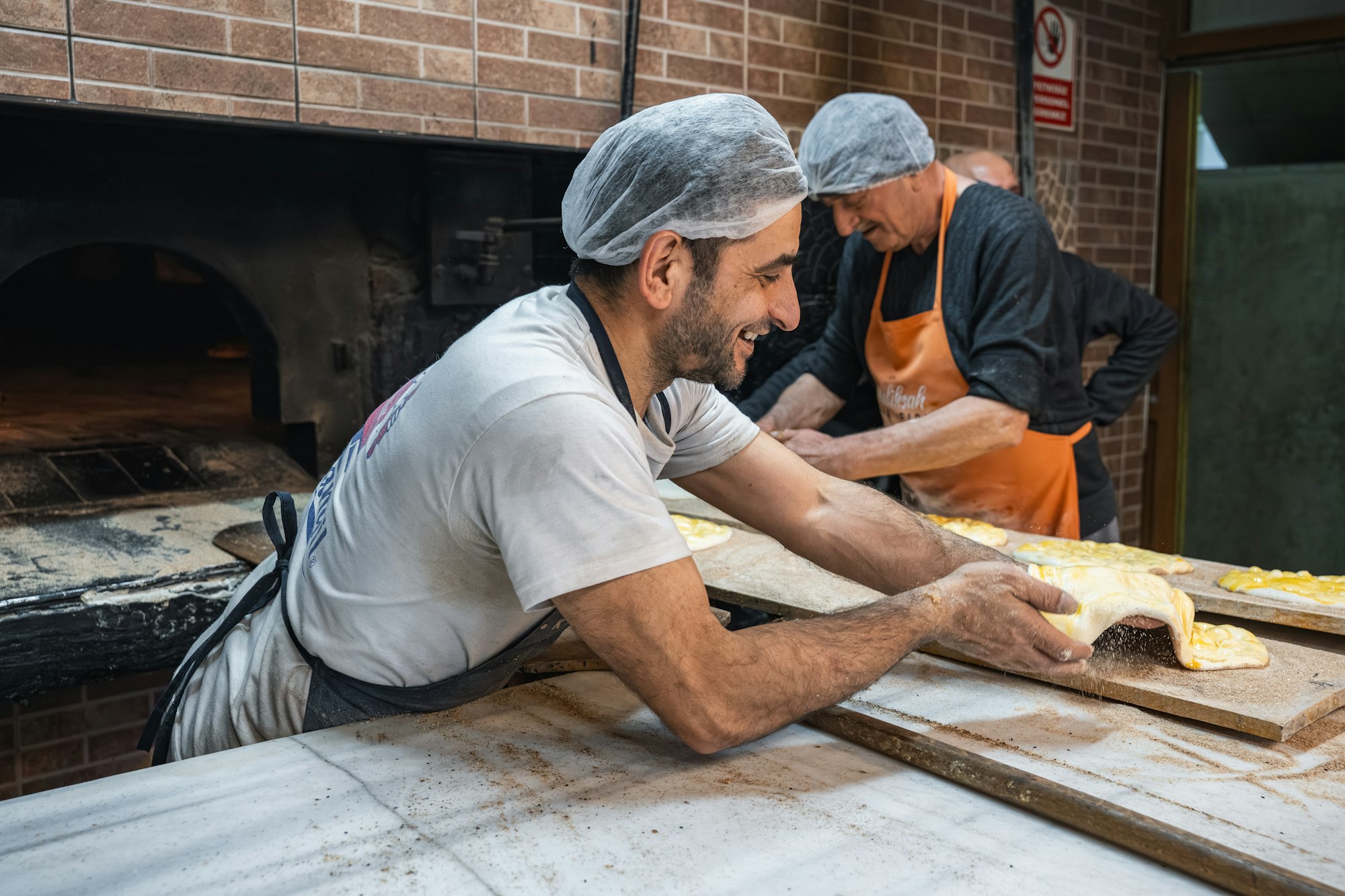 BakeryDawn oven crew, afternoon handover.
 SupermarketTills, aisles and receiving, store by store.
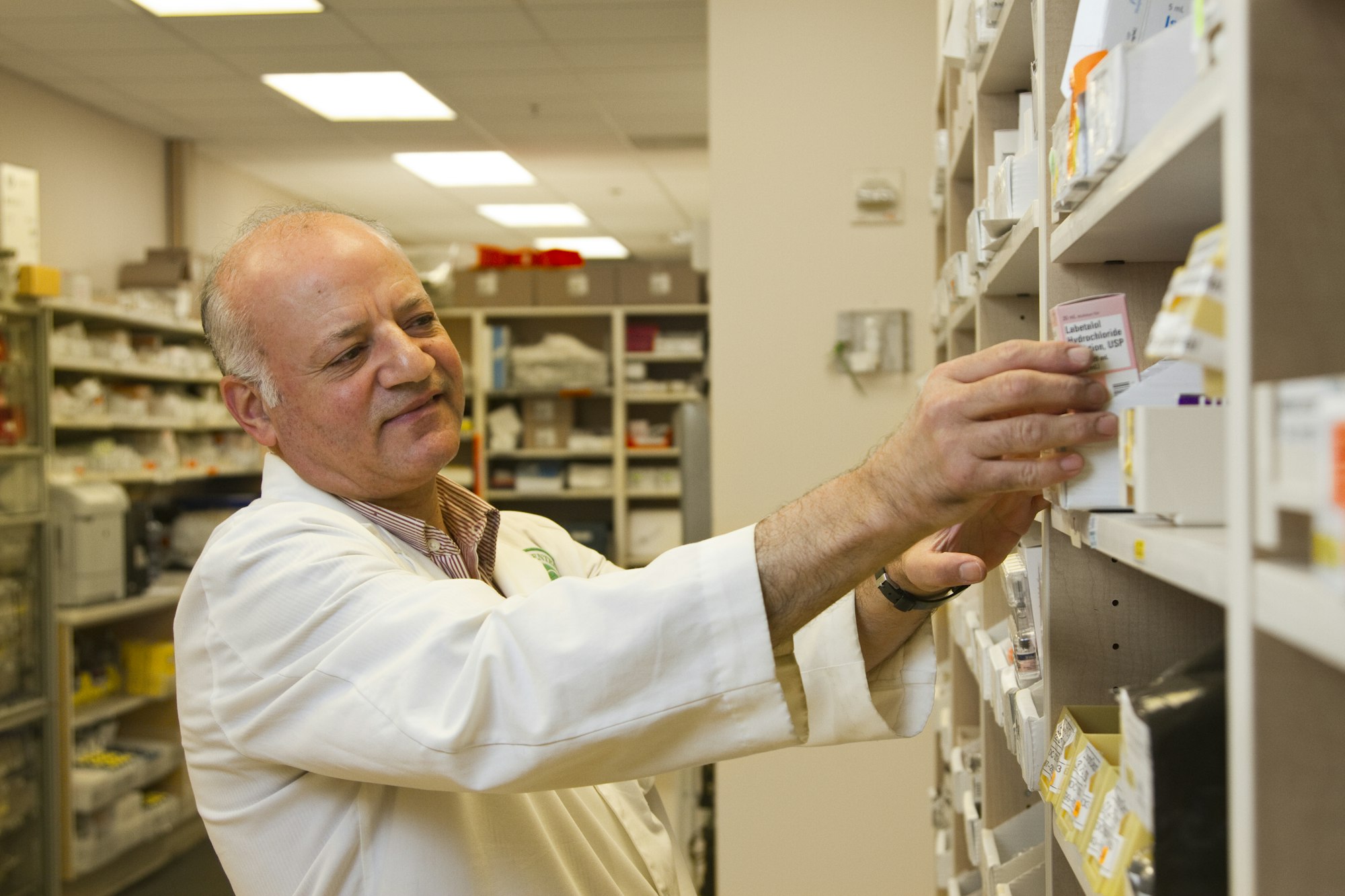 PharmacyDuty rota and cover, visible to everyone.
 HospitalsDay and night shifts, ward by ward.
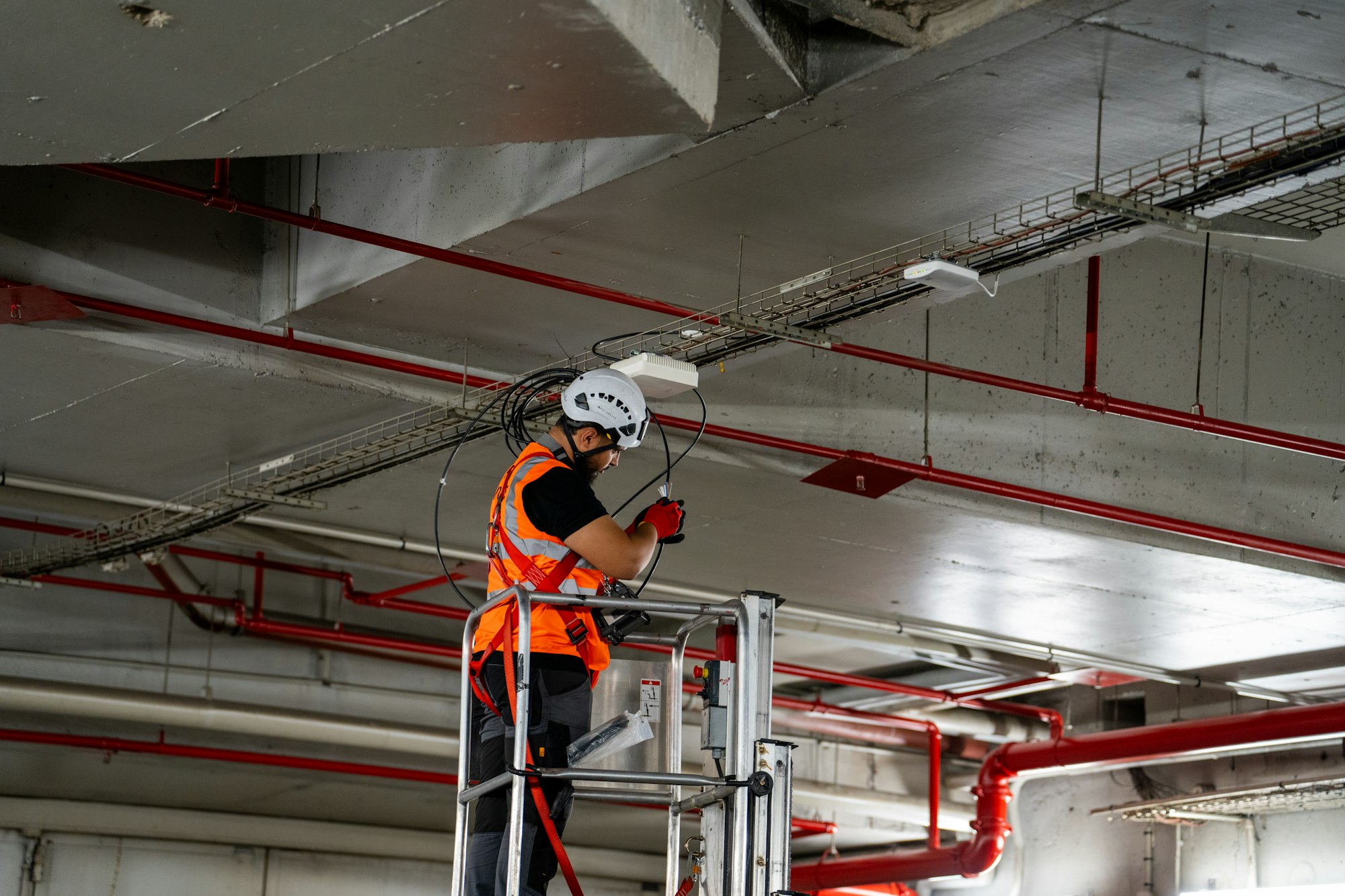 MaintenanceOn-call technicians and the week’s rounds.
Everything Arils does

Set up in one week
Join the pilot. We set Arils up with you, and your team uses it from the first week.